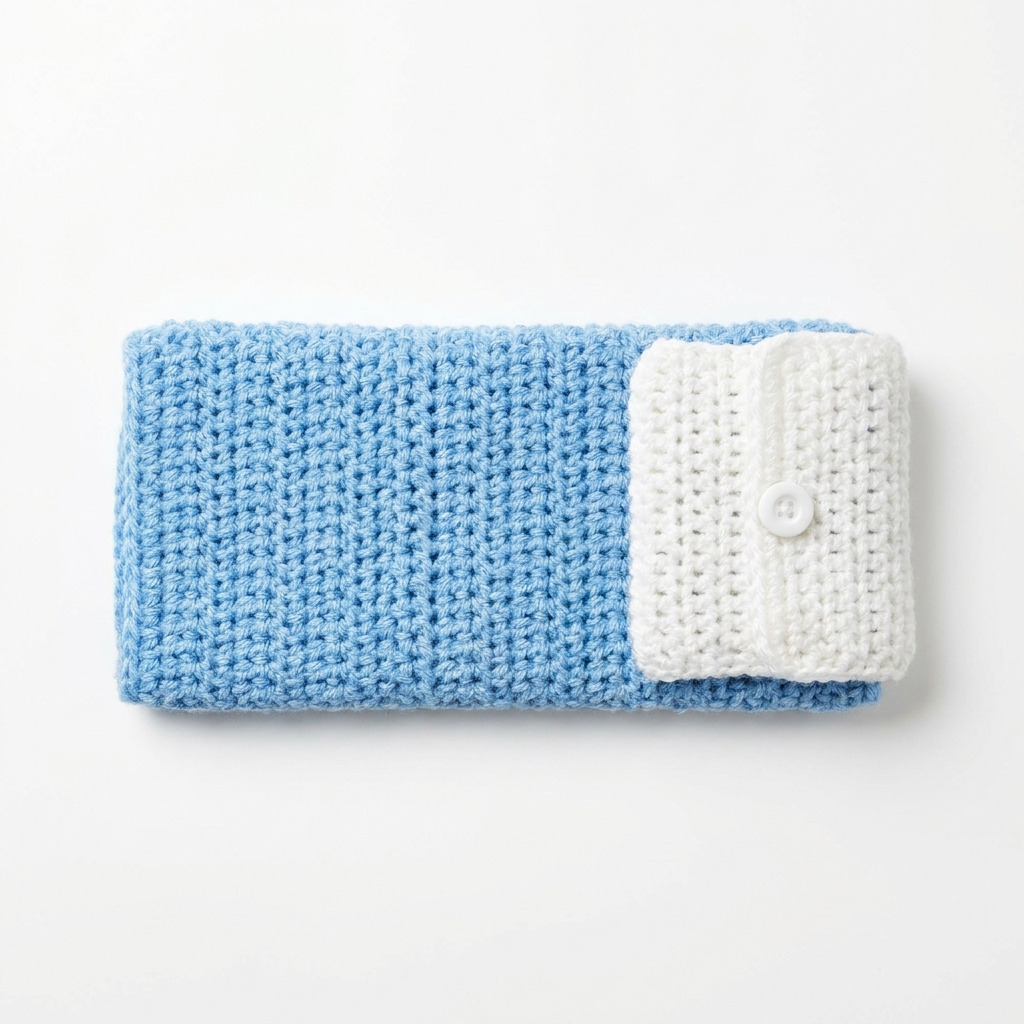
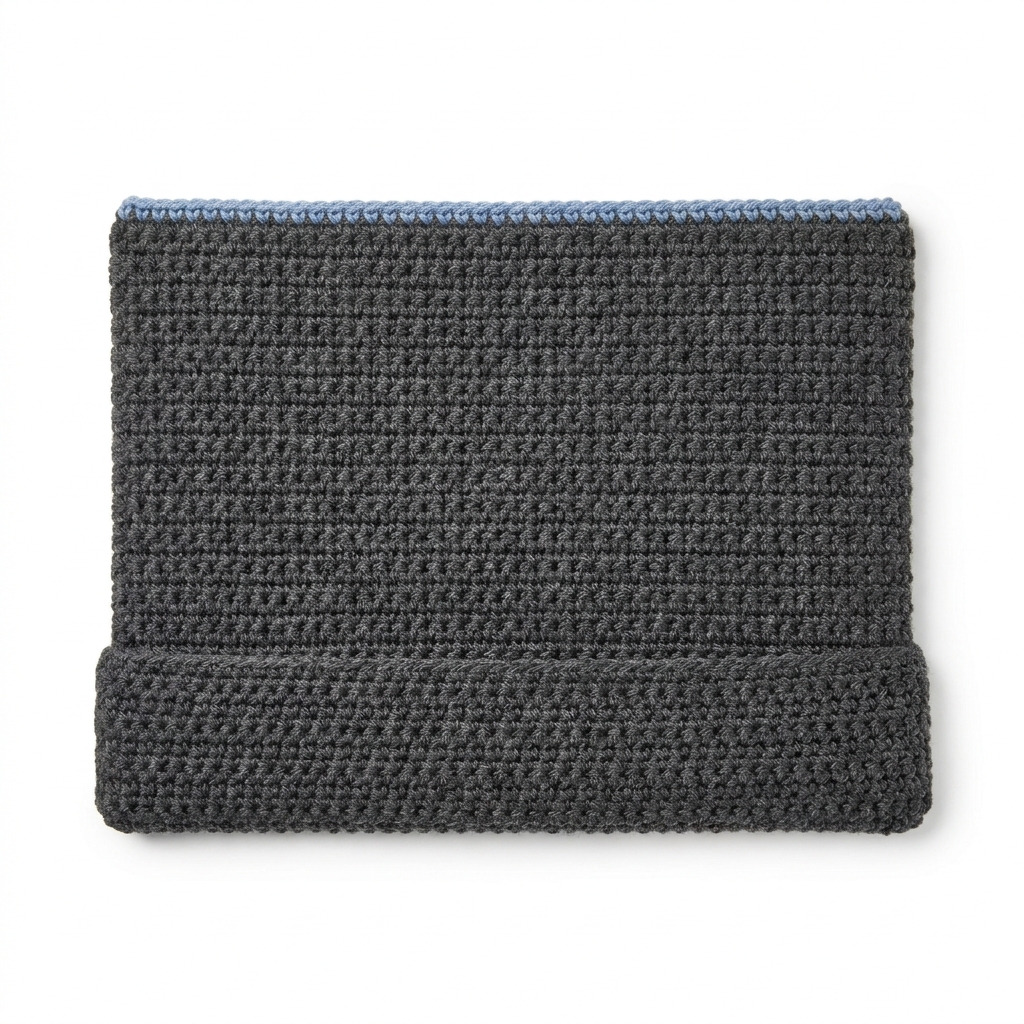
This crochet laptop sleeve with wrist rest pattern is a practical and comfortable solution for keeping your laptop secure. The sleeve offers protection for your device and incorporates a wrist rest for better ergonomics while you work or browse. We’ll be using simple yet effective stitches to create this functional item.
This project is suitable for crocheters with some experience who are looking to combine function and comfort in their work. As you create this laptop sleeve, you’ll enhance your skills and confidence as you learn new techniques along the way.
Why You’ll Love This Laptop Sleeve
- Functional design – keeps your laptop protected while adding comfort.
- Stylish look – customize with colors to match your personal style.
- Quick project – perfect for a gift or a personal use item.
- Practical experience – improve your skills while using basic stitches.
Is This Pattern Good for Beginners?
Absolutely! While this pattern is categorized as intermediate, it primarily uses basic stitches like single crochet and double crochet. If you’re comfortable with these stitches, you’ll be able to follow along with ease.
Crochet Abbreviations (US Terms)
- ch – chain
- sc – single crochet
- dc – double crochet
- st – stitch
- sl st – slip stitch
- inc – increase (2 sc in the same stitch)
- dec – decrease (sc two stitches together)
Gauge and Finished Size
- Gauge: 14 stitches and 10 rows = 10 cm (4 in) in single crochet
- Finished size of Laptop Sleeve: 42 cm × 30.5 cm (16.5 in × 12 in)
- Wrist Rest size: 42 cm × 7.5 cm (16.5 in × 3 in)
Step 1: Create the Laptop Sleeve
The laptop sleeve is made using single crochet rows.
- Foundation Chain: Ch 56.
- Row 1: Sc in 2nd ch from hook and in each ch across (55 sts).
- Row 2: Ch 1. Sc in each st across (55 sts).
- Row 3–42: Repeat Row 2 until piece measures 30.5 cm (12 in) tall. (55 sts)
- Row 43: Ch 1. Sc in each st across (55 sts).
- Row 44: Ch 1, sc in each st across, leaving a single stitch unworked at each end. (53 sts)
- Row 45: Turn, ch 1, sc in each of the next 52 sts. (52 sts)
- Row 46: Turn, ch 1, sc in each of the next 51 sts. (51 sts)
- Row 47: Turn, ch 1, sc in each of the next 50 sts. (50 sts)
- Row 48: Ch 1, sc in each st across (50 sts).
- Row 49: Ch 1, sc in each st across (50 sts).
- Fasten Off: Leave a long tail for sewing side seams (approx. 30 cm).
Step 2: Crochet the Wrist Rest
The wrist rest is created in a similar manner.
- Foundation Chain: Ch 29.
- Row 1: Sc in 2nd ch from hook and in each ch across (28 sts).
- Row 2–18: Ch 1. Sc in each st across (28 sts).
- Fasten Off: Leave a long tail for sewing (approx. 30 cm).
How to Attach the Wrist Rest
- Fold the sleeve in half, wrong sides together.
- Use the long tail from Row 48 of the main sleeve to sew the side seams together, leaving the top open.
- Secure well and weave in ends.
- Position the wrist rest along the bottom edge of the sleeve.
- Use the long tail from the wrist rest to sew along the bottom edge of the laptop sleeve.
- Attach pins if necessary for a secure fit and weave in any ends from assembly.
Beginner Tips for a Neat Laptop Sleeve
- Use stitch markers to mark your starting point in rows, making counting easier.
- Keep your tension consistent to ensure even stitches.
- Take breaks if you feel fatigued to maintain focus on your work.
Common Mistakes (and How to Fix Them)
- “My stitches are too tight.” – This can happen if you’re anxious or gripping the yarn too tightly. Relax your hands and try to keep an even tension.
- “The piece is curling.” – This may indicate that your foundation chain was too tight or that you’re missing stitches. Ensure you have the correct stitch count in each row.
- “It doesn’t fit my laptop.” – If your dimensions are off, check your gauge and ensure you’re using the same yarn weight and hook size as stated in the pattern.
How to Care for Your Laptop Sleeve
Hand wash cold and lay flat to dry to ensure your laptop sleeve maintains its shape and softness. Avoid using an iron.
FAQ
How do I resize my sleeve?
You can adjust the foundation chain length accordingly. Add or subtract chains in multiples of five to maintain the gauge.
Can I use different yarn for this project?
Yes! Just make sure to check the yarn weight and adjust your hook size to maintain the correct gauge.
How do I ensure my sleeve is secure?
When sewing the seams, double-check your stitches are tight and secure to prevent any loosening.
Looking for more ideas? Check out our collection of lovely blankets.
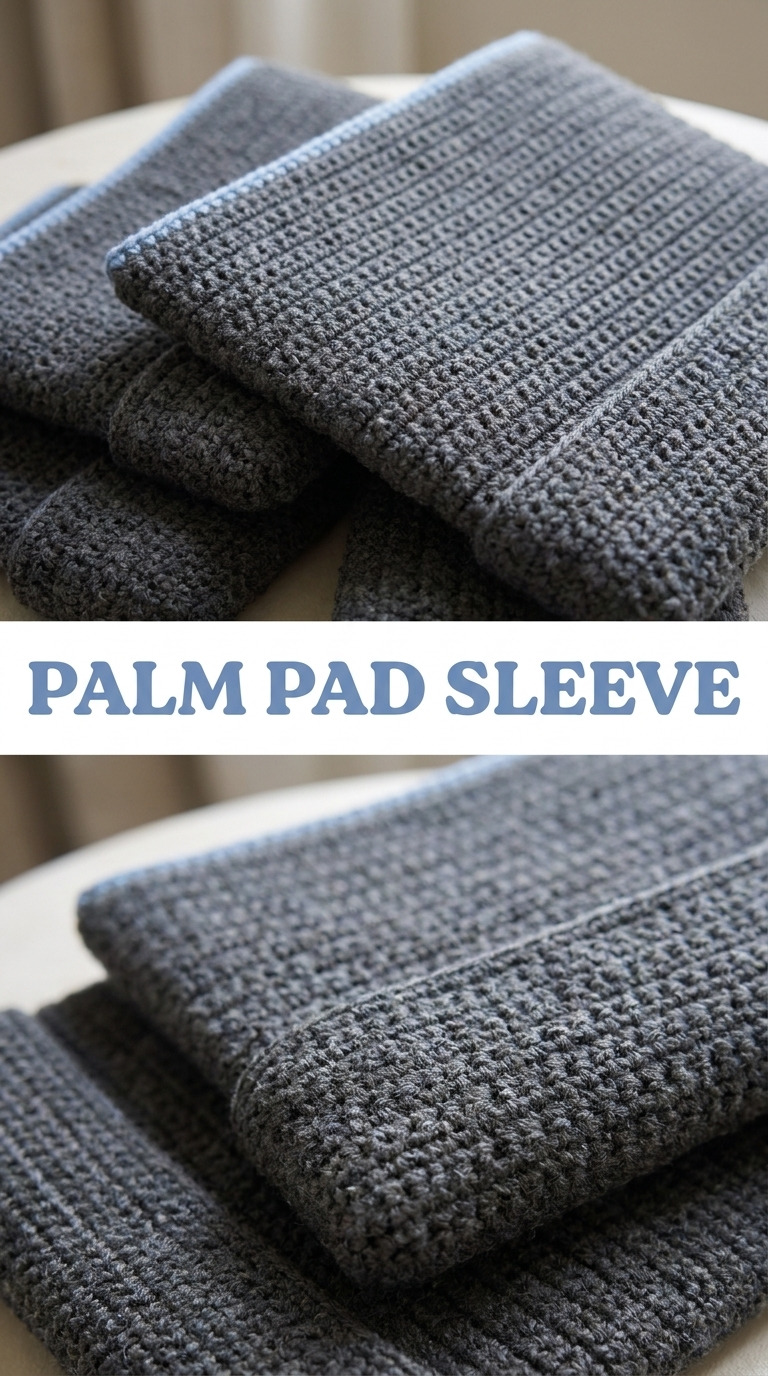
Image shown for inspiration — your finished result may vary slightly.